Remove burned-in subtitles from video
Subtitles embedded in a video cannot be turned off like an SRT track. Xiaodou AI removes text from a selected fixed region and reconstructs the background.
See a real before-and-after example
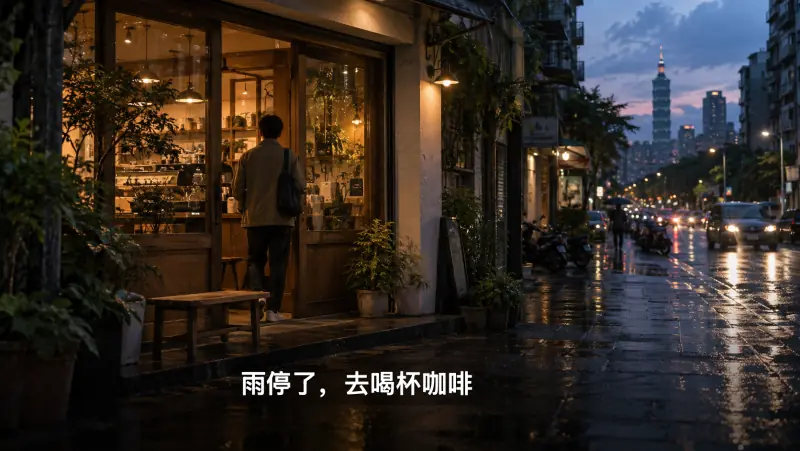

Single video or a batch
Upload one video or select up to 10 videos. Confirm the subtitle region for each video, then submit the batch. Each video consumes its own allowance or coins.
Standard limits: MP4/MOV, 180 seconds, 200MB, up to 1080p. Larger videos can use the separate long-video edition.
A reconstruction, not recovery of hidden pixels
AI estimates the background behind the text. Results depend on motion, texture, subtitle size and the underlying scene. Large text over faces or complex detail may leave visible artifacts. Review every result.
A fixed selection does not track moving logos. Full-frame processing is available only for eligible video dimensions and duration; the tool shows its availability.
Frequently asked questions
Can I remove subtitles without cropping?
The subtitle tool reconstructs a selected region without cropping the frame. Output quality depends on the content; it is not guaranteed to be artifact-free.
Is this a free tool?
It is a paid service. Review current membership and coin options on the pricing page before processing.
How do I sign in and pay?
The website currently uses WeChat sign-in and WeChat Pay. A Google account or bank card alone is not sufficient.
How long does processing take?
The task interface typically advises 5–10 minutes. Queue length, video length and complexity can affect the actual time. Check Task history for status and download the result before its expiry.